Access and roles
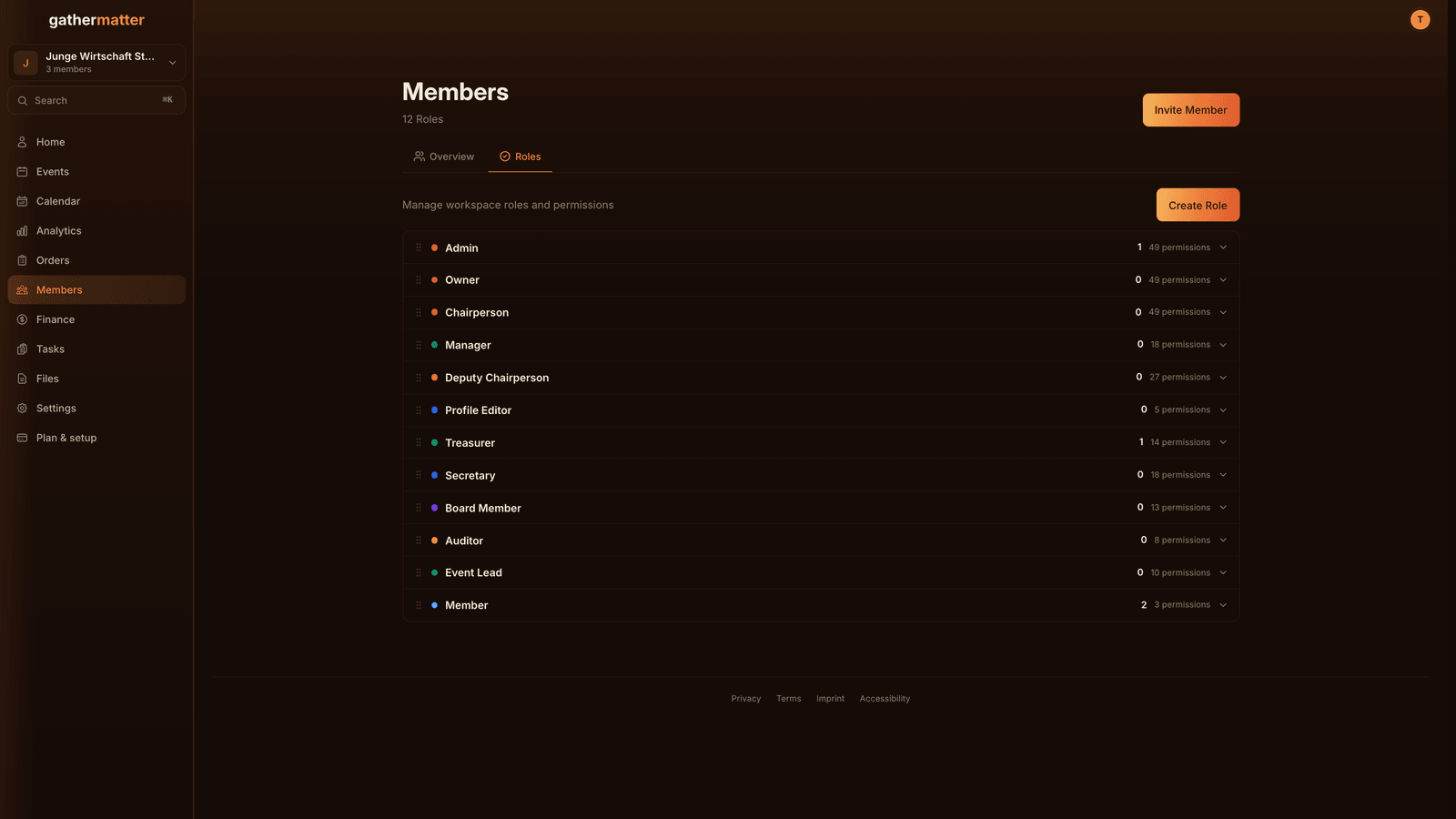
Manage access and custom roles in Members.
Updated October 11, 2026
Overview
Members is one list. Roles opens the sheet for managing your own roles.
Setup
Owner and Admin have administrative access. Member is the base level without administrative rights. Only owners can grant Admin access.
Create your own roles with the permissions you need, including on Free. There are no association office presets. A role named Treasurer only gets the permissions you give it. A person can hold several roles; their permissions add up. You can only pass on permissions you hold yourself.
ZVR import gives registered officers Admin access. Review access for each person afterwards.
Everyday tasks
Open a person in the member list to review access and roles. Assign roles per person after importing members. Review permissions again when the team changes.