Welcome to Trara
Updated October 11, 2026
Setup
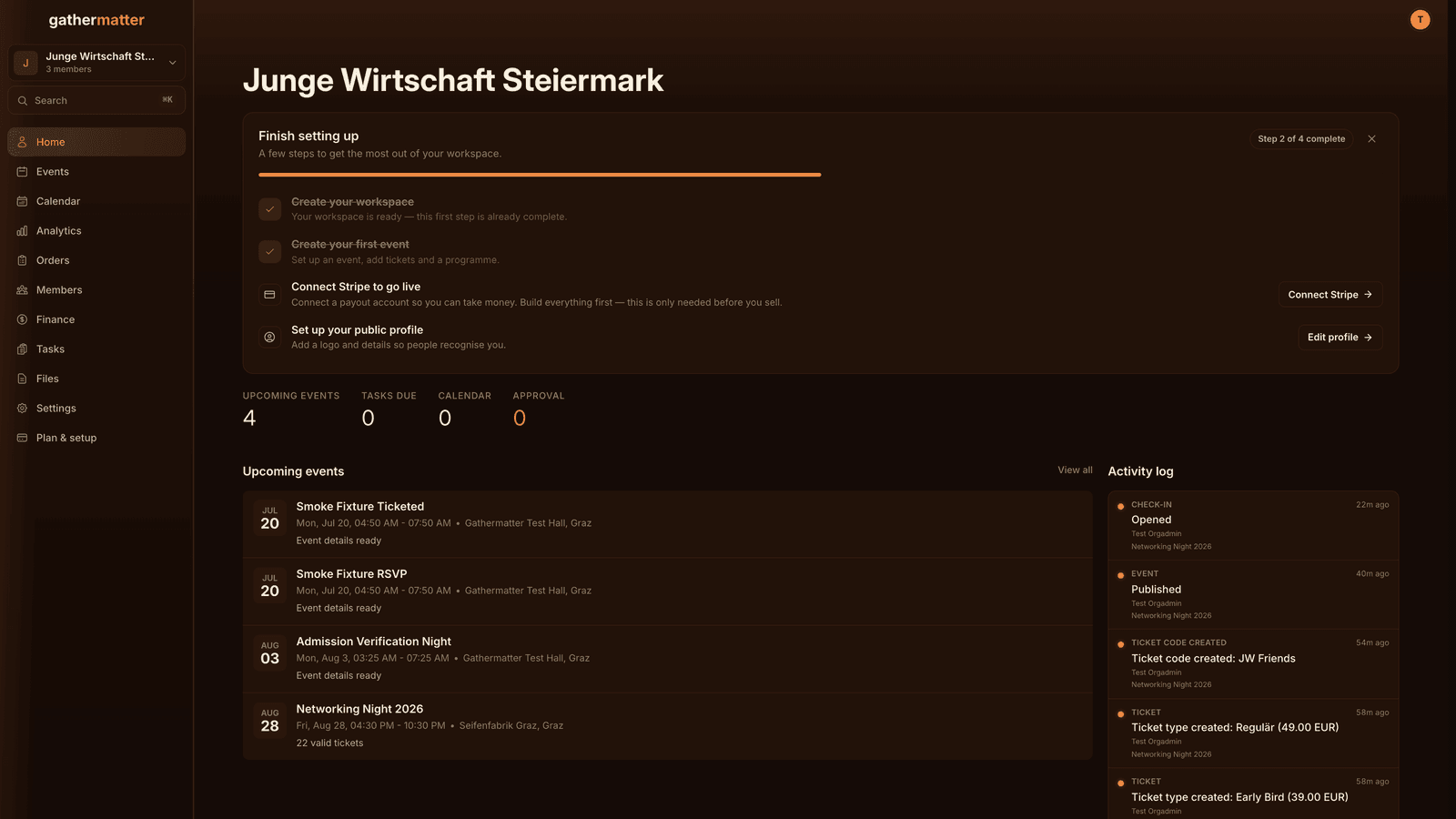
1. Create your first organizer or artist
Start at Plan an event. Add the event details first, then Trara creates the required organizer when you save.
2. Your first event
The express form creates your event draft. Then add details and tickets inside the event.
3. Invite your team
Invite board members, your treasurer or volunteers and give them fitting roles.
4. Sell your first tickets
Ticket types, prices, codes and payouts via Stripe.
Tips and questions
Where do I get help when I'm stuck? On the support page at Support or by email to hi@trara.app. Briefly describe what you were trying to do and what happened instead. That speeds up the answer.
What does Trara cost? Account, organizer and artist are free. Free has no subscription; paid tickets carry fees. Pro is a separate subscription. See pricing. The prices on your event page are final prices, and every fee is visible before purchase.
I'm an artist, not an organizer. Is Trara still for me? Yes. As an artist you get a public profile, and when organizers book you, the collaboration (details, uploads, schedule) runs through your gig page.