Create your organizer or artist
Start with an event or create an artist space.
Updated October 11, 2026
Overview
An organizer holds events, members and finances. An artist space holds your profile, requests and gigs. Switch between them in the space switcher with one account.
Setup
1. Start with an event
Open Create an event. Enter event details first, then choose its organizer. If you need a new organizer, enter the required details. Saving creates the organizer and event.
2. Create an artist
Use the create action in the space switcher and choose Artist. Enter the required details, then open your profile.
3. Complete details
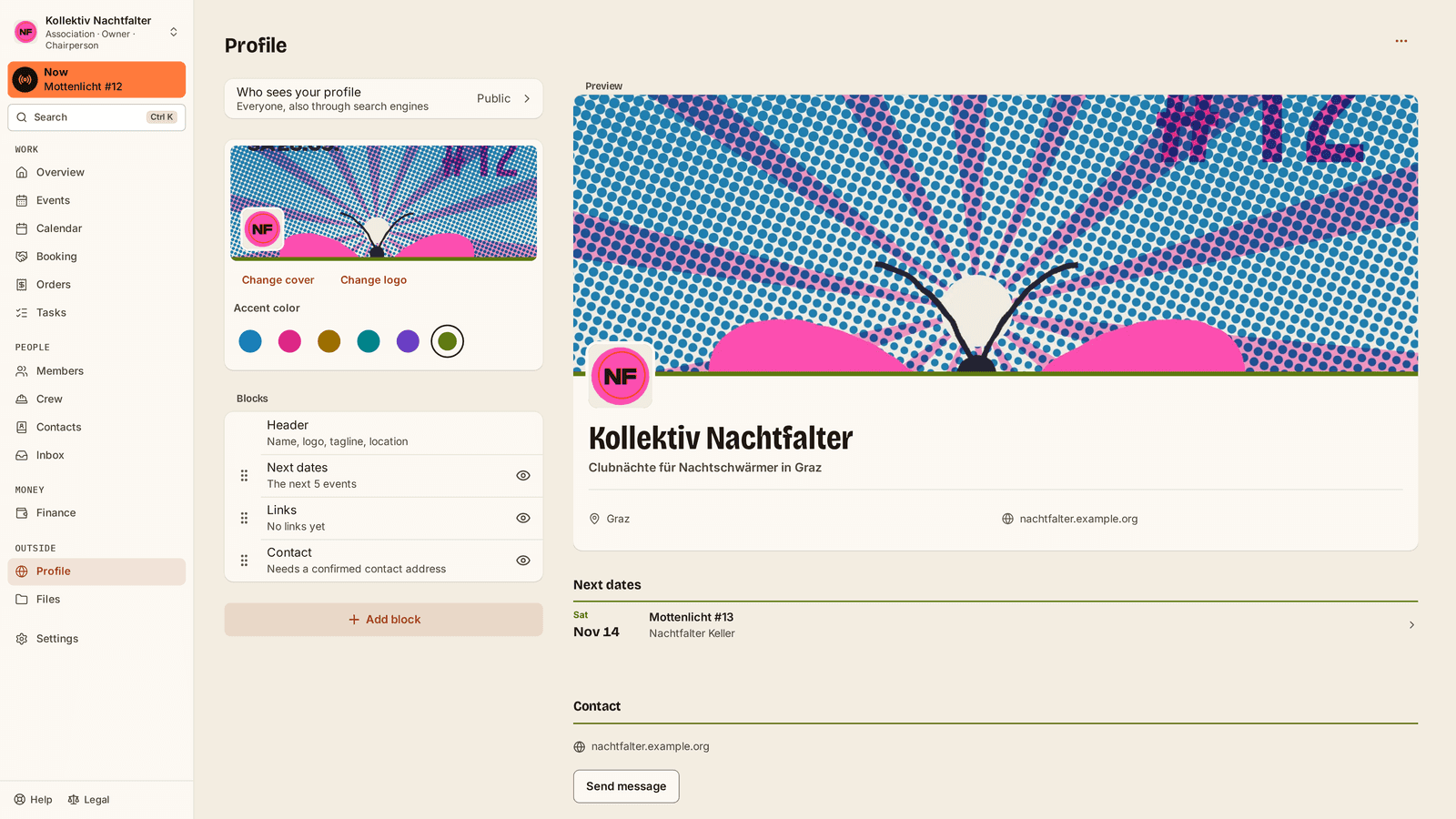
Edit the name in Profile. Legal details, tax status and the Stripe connection are under Finance › Payouts.
Everyday tasks
Invite your team under Members. Give each person the access and roles they need. For immediate help at admission, see Invite crew inside the event.
Tips & FAQ
Who is the owner? The person who creates the space. They can appoint more admins.
What does it cost? Free needs no subscription. Paid tickets carry fees. Pro is a separate subscription. See current conditions on the pricing page.
Why is a space I was invited to missing? Sign in with the invited email address and check memberships under Me › Account.